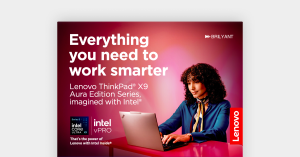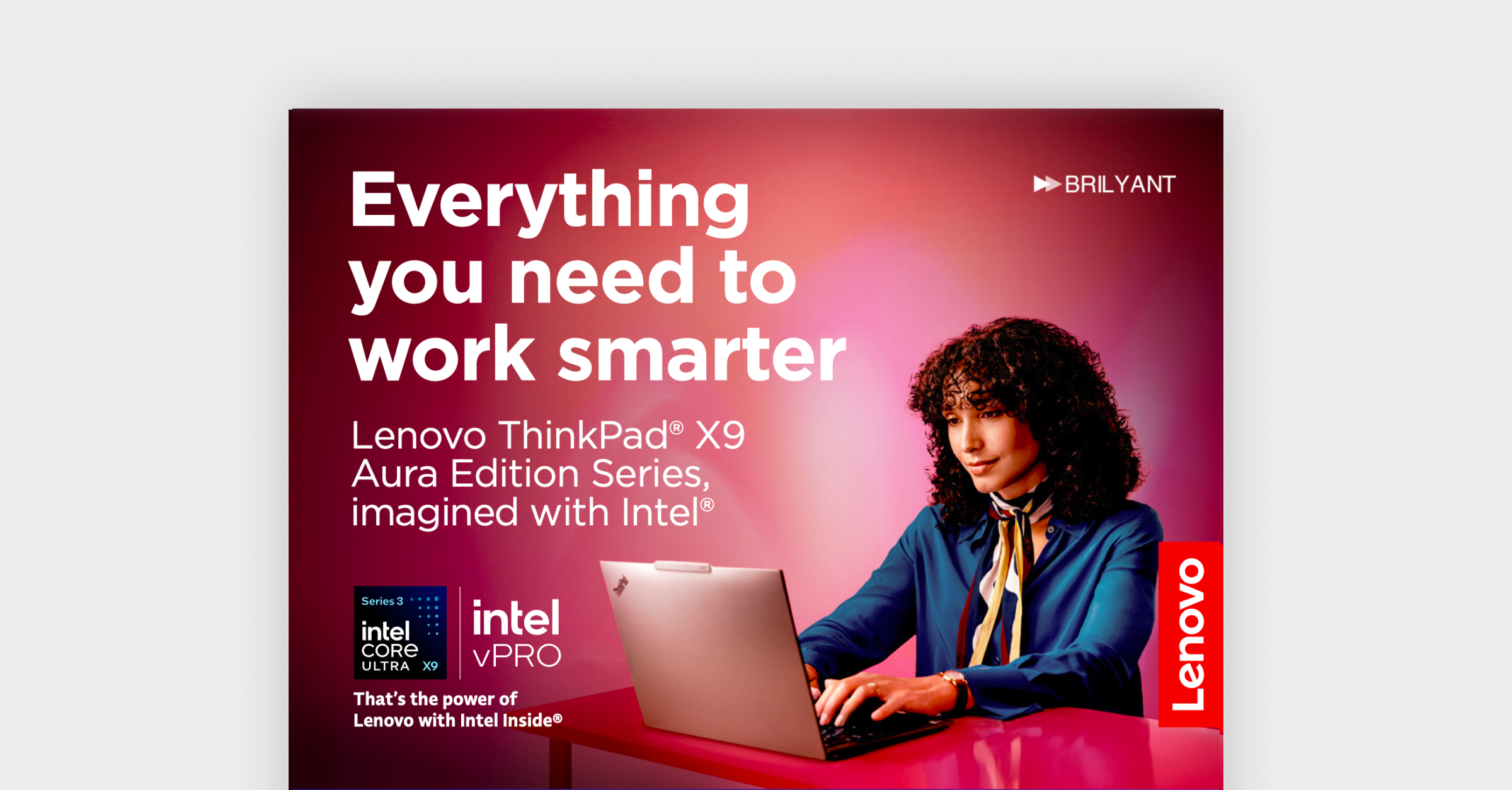
When you are building a business, technology should work for you without getting in the way. The Lenovo ThinkPad X9 Aura Edition Series, imagined with Intel, combines intuitive, intelligent experiences and a powerful Intel Core Ultra Series 3 processor with Intel vPro and Lenovo ThinkShield security for business stability and peace of mind. By leveraging Lenovo Solutions & Services, you can secure, support, and manage your technology as you grow, reducing the need to handle IT deployment internally.
Power for Workloads That Never Slow Down
Whether you are handling daily admin or tasking high-impact work, the Lenovo ThinkPad X9 Aura Edition Series provides the performance, intelligence, and flexibility to stay agile with ultra-light devices. Users can choose an optional Glacier White finish to reflect their workspace and style.
Key Device Capabilities
- Lenovo ThinkPad X9 14 Aura Edition: Slim and lightweight, this device is built to keep up with your day. It features a 55 Whr battery, a 14-inch up to 2.8K OLED Touch display, and versatile ports including 2x Thunderbolt 4, HDMI 2.1 @ 60Hz, and an audio jack. It powers everyday tasks with up to an Intel Core Ultra 7 processor and up to 48 NPU TOPS.
- Lenovo ThinkPad X9 15 Aura Edition: An 80 Whr battery supports you through long, demanding days. This model offers a large 15.3-inch up to 2.8K OLED Touch display, versatile connections like 2x Thunderbolt 4, USB-A, HDMI 2.1 @ 60Hz, and an audio jack, and runs on up to an Intel Core Ultra 7 processor.
- Lenovo ThinkPad X9 15p Aura Edition: Designed for uncompromising power, this device includes an 88 Whr battery and up to 2TB PCIe Gen5 SSD storage. It utilizes an Intel Core Ultra X9 Series 3 processor, up to 50 NPU TOPS, and up to 64GB LPDDR5 memory to handle demanding workloads and AI-powered tools without lag. It also provides a 10MP camera and a 15.3-inch 2.8K display to help you show up clearly in every hybrid meeting.
Unlocking Smart Experiences
- Smart Modes: Achieve minimal distraction and maximum productivity as Smart Modes adapt to the way you work. Select settings manually, or switch to Automation Mode where AI will detect your workload and select the best setting across Working, Meeting, Creative, Learning, Entertainment, and Gaming.
- Smart Share: Break down device walls to make setup faster and collaboration easier. Use Tap to Launch to open photo or video sharing from an Android or iOS phone, or use Tap to Pair by double-tapping accessories to quickly pair them to your device.
Smart Care: Get real-time, expert support right when you need it to cut downtime. Options include chatting with an agent for immediate specialist support via your PC, calling support to reach out or schedule a callback, or using an AI agent for virtual assistance with device issues.
Support for Every Stage of Your Business Journey
With Lenovo Solutions & Services, you can keep your team’s devices secure, managed, and running smoothly every day.
- Premier Support: Gain advanced technical support for complex IT environments, ensuring fast issue resolution.
- Lenovo ThinkShield: Enhance detection, response, and remediation across attack surfaces using this Extended Detection & Response (XDR) solution.
- Lenovo’s AI Adoption Services: Simplify change management and assess your AI readiness to maximize the return on your technology investment.
- Lenovo CO2 Offset: Support your ESG commitments and gain greater control over sustainability with this carbon emission offsetting program.
Fill out the form to get instant access to the complete Lenovo Brochure.